
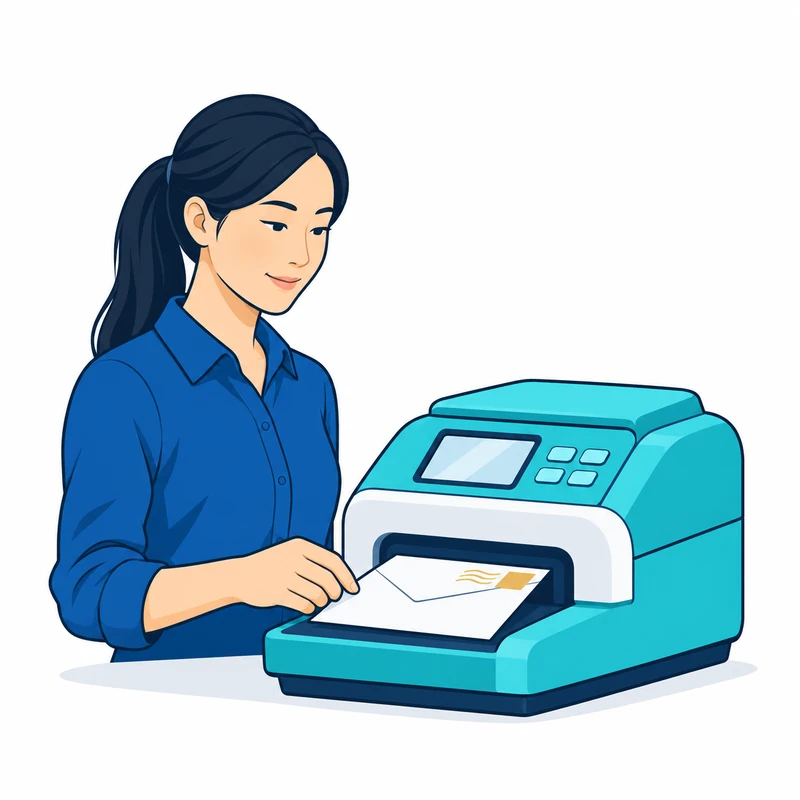
To use a franking machine, select the correct postal service and format, weigh the packed item and print a clear paid impression on the envelope or a compatible label. Accurate setup matters as much as the machine’s ability to print.
This UK guide covers registration, funding, rate updates, daily operation and dispatch. Follow the operating manual for your exact machine: controls and supported postal services differ, particularly on older equipment.
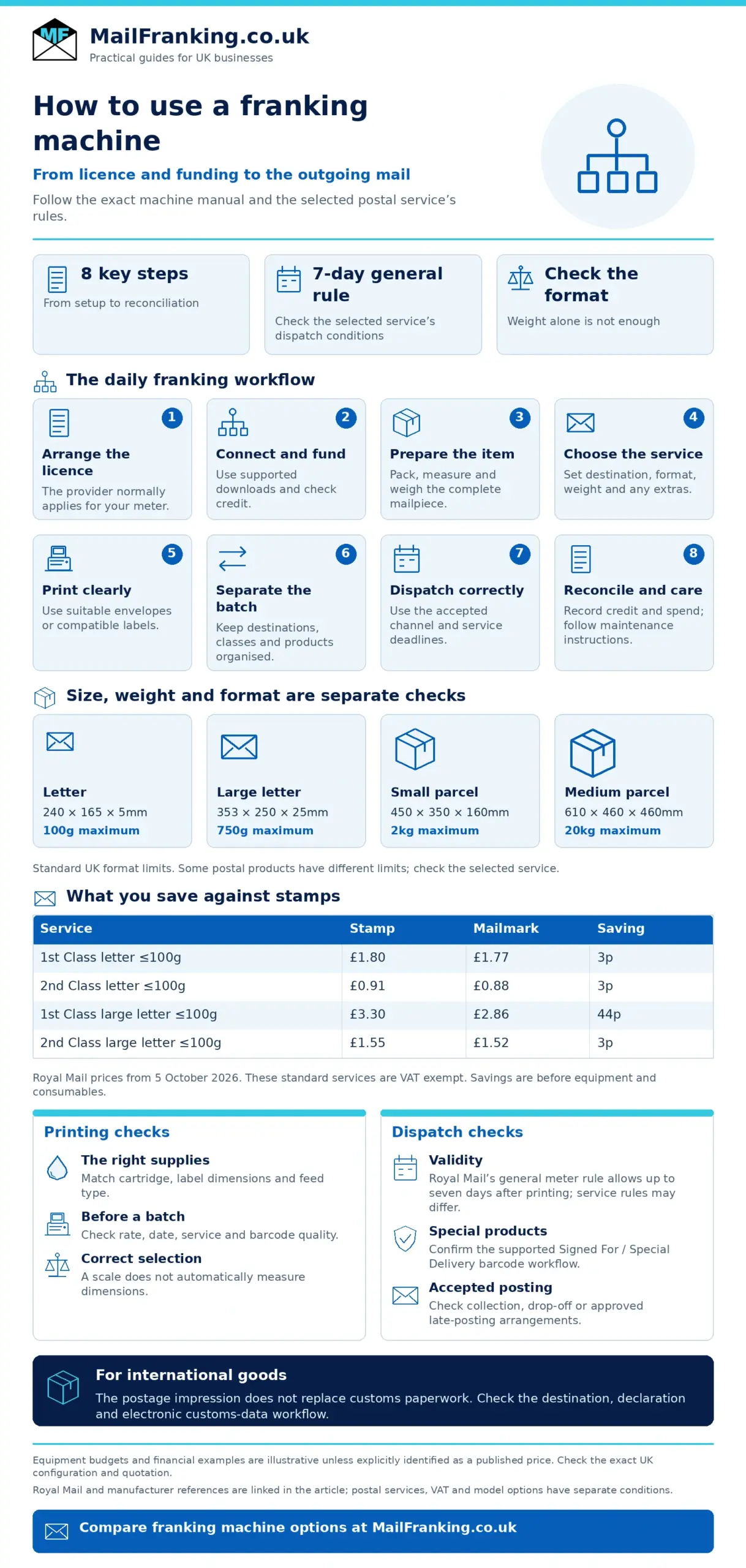
1. Arrange the licence and supported connection
Your provider normally applies for the Royal Mail franking licence on your behalf. The licence identifies your business, address and meter. Tell the provider about changes, and confirm registration before using a second-hand unit. Do not assume that entering an old owner’s licence number makes the machine eligible.
Royal Mail’s franking guidance describes the provider-led licence process. Pitney Bowes also explains how it obtains the licence. Connect the machine using the current manufacturer-supported arrangement for funding, rate downloads and usage-data uploads.
- Takes 2 minutes
- Receive quotes to compare
- Easy and no commitment
Before registering a used machine or moving premises, follow our Royal Mail franking licence guide. It explains why the previous user’s licence does not transfer automatically, how operating details are changed and how licensing differs from equipment finance, service cover and postage funding.
2. Load postage credit and check rates
Check the available postage balance and any low-credit warning. Funding may be prepaid, automatically collected or provided through another account arrangement. Ask about reset or account fees and keep postage credit separate from equipment rent in the accounts.
Confirm that the rate file is current before a mail run, particularly after a Royal Mail price change or a period offline. A connected machine can still require a download to be accepted. Do not enter a historic price from a printed chart as a substitute for selecting the correct current product. The postage credit guide separates meter funds, supplier-account credit, bank payments and fees, with a worked monthly reconciliation.
3. Prepare and measure the packed item
| Standard UK format | Maximum size | Maximum weight |
|---|---|---|
| Letter | 240 × 165 × 5mm | 100g |
| Large letter | 353 × 250 × 25mm | 750g |
| Small parcel | 450 × 350 × 160mm | 2kg |
| Medium parcel | 610 × 460 × 460mm | 20kg |
Use the current Royal Mail size and price guide for the relevant service. Some products have different limits. Weigh the completed item with its envelope, packaging and contents. A scale measures weight; unless the installed system has the relevant measuring hardware, you must select the correct dimensions and format.
- Give your requirements
- Receive quotes to compare
- Choose a provider or walk away - your choice!
4. Select the service and optional protection
Choose destination, class, format and weight band. Check whether a signature, tracking, guaranteed delivery or extra compensation is required and select the correct postal product. Ordinary Mailmark post is not automatically a fully tracked service.
Royal Mail Signed For and Special Delivery use supported barcodes rather than the old coloured-label process. Some older machines require a separate online label solution. Confirm that workflow with the provider before printing; do not add an old sticker and assume it creates the required service.
5. Check the date and print quality
Confirm the machine date, chosen product and postage value before the first paid print. Use the manufacturer’s test-print function where appropriate; a zero-value or test impression is not paid postage. Check that the barcode and text are complete, clear and placed correctly.
Print directly on a suitable flat envelope where the transport allows it. For thick envelopes or parcels, use compatible franking labels and attach them securely without obscuring address or service information. Do not push parcels, staples or unsuitable packaging through the letter transport.
6. Handle the batch consistently
Use presets only after checking what they store. When moving between formats or services, recheck the selection. With differential weighing, follow the instructions for removing each item; with an automatic feeder, prepare envelopes within the supported thickness, size and flap specifications.
Separate domestic and international mail, and separate products and classes as Royal Mail requires. Keep signature and guaranteed-service items in the appropriate workflow and retain the evidence needed for posting or a later claim. An accounting report is not always proof of posting.
7. Dispatch through the correct channel
Royal Mail’s current franking page says franked mail can be posted up to seven days after the printed meter-impression date. Check the rules and acceptance deadlines for the particular service, especially guaranteed or labelled services. Do not assume every printed shipping label has the same validity period. When preparing return envelopes, use the prepaid reply vs Freepost guide to distinguish a supported reply product from ordinary outward franking and licensed response services.
Use an agreed Royal Mail collection or an accepted drop-off method and follow current preparation instructions. An ordinary public postbox is not a blanket-approved channel for loose franked mail: check the approved posting arrangement or late-posting envelope rules with the provider. Collection charges and deadlines can differ.
8. Reconcile spending and maintain the machine
Record credit added, postage printed, remaining balance and any refunds. Export reports before resetting counters where the system permits. Check ink, labels and sealing supplies before a large batch; follow the manual for cleaning and allow the machine to complete its printhead-parking routine.
Use an authorised provider for the maintenance and repairs that require one. Keep the supported connection active for the required data uploads and updates. Do not assume every Mailmark meter needs a paid annual on-site inspection merely because an old generic guide says so; confirm the applicable Royal Mail requirements and the actual service agreement. For faults and service planning, use the maintenance guide to distinguish safe operator checks from work requiring an authorised provider.
Current prices to check against your service selection
| Format and weight | 1st Class stamp | 1st Class Mailmark | Saving | 2nd Class stamp | 2nd Class Mailmark | Saving |
|---|---|---|---|---|---|---|
| Letter, up to 100g | £1.80 | £1.77 | 3p | £0.91 | £0.88 | 3p |
| Large letter, up to 100g | £3.30 | £2.86 | 44p | £1.55 | £1.52 | 3p |
| Large letter, 101–250g | £3.60 | £3.28 | 32p | £1.90 | £1.81 | 9p |
| Large letter, 251–500g | £3.60 | £3.30 | 30p | £2.40 | £2.30 | 10p |
| Large letter, 501–750g | £3.60 | £3.30 | 30p | £2.70 | £2.50 | 20p |
The figures come from Royal Mail’s Mailmark wallchart and Post Office price guide. The October wallchart states that Mailmark prices did not change at that update. Compare the same service, format and weight: online postage and business-account products can have different rates.
Common mistakes to avoid
- Selecting Letter by weight alone when the package exceeds the thickness limit.
- Assuming the basic Mailmark barcode supplies tracking or insurance.
- Using a historic rate or an unsupported overseas product specification.
- Treating a postage-credit top-up as equipment rental.
- Reusing a printed postage impression or covering required barcode information.
- Buying a legacy meter before confirming it can be registered and supported.
International goods and customs
Check destination restrictions, service availability and customs requirements before printing. Royal Mail’s October Mailmark wallchart explains CN23 and electronic customs-data requirements for goods sent to the EU or rest of the world, with a stated Northern Ireland-to-EU exception. Ask the provider how its supported API or shipping workflow supplies the data.
A valid postage impression does not replace a customs declaration or establish that an item is permitted. Confirm the contents, declared value and current destination requirements, particularly when sending from Great Britain to another customs territory.
Our detailed international franking guide explains current overseas postage examples, CN23 paperwork, electronic customs data, tracking choices and the practical checks to complete before dispatch.
Frequently asked questions
Your provider normally applies to Royal Mail on your behalf. Confirm the business name, address, model and meter identity, and report changes through the provider. A second-hand machine needs eligibility and registration checks before use; do not rely on the previous owner’s licence.
A weighing scale does not by itself measure length, width or thickness. Unless the exact system has the necessary measuring hardware, the operator must select the correct postal format. Weigh the packed item and check its dimensions against the current service limits.
Royal Mail’s current general franking page allows posting up to seven days after the printed meter-impression date. Check the specific product’s dispatch and acceptance rules, especially for guaranteed services and separately printed shipping labels. Their validity should not be assumed to match every meter impression.
Do not assume loose franked mail can go into any public postbox. Follow the current Royal Mail preparation and acceptance instructions for an agreed collection, accepted drop-off or approved late-posting arrangement. Your supplier can explain the supported channel and any envelope or volume conditions.
No. Tracking and signature depend on the postal product selected, not simply the use of Mailmark. Check the supported barcode or online label workflow for Signed For, Special Delivery and international services, particularly if you use older equipment.
Do not assume an incorrect print can be reused or altered without following the rules. Keep the affected envelope or label and contact the provider or Royal Mail about the current correction or refund process. Avoid printing a second full charge before checking the instructions.
Use compatible supplies suitable for the exact meter and Royal Mail requirements. Label dimensions, cartridge identity and accepted ink matter. A thermal shipping-label roll is not automatically suitable for the inkjet franking transport. Check the manufacturer’s instructions and your service agreement.